Every job, every unit, every crew. On one screen.
HeadQuarters CRM puts jobs, photos, receipts, hours and crews in one place. Your techs see their own jobs; you see all of them.
Your crew's app: download it on the App Store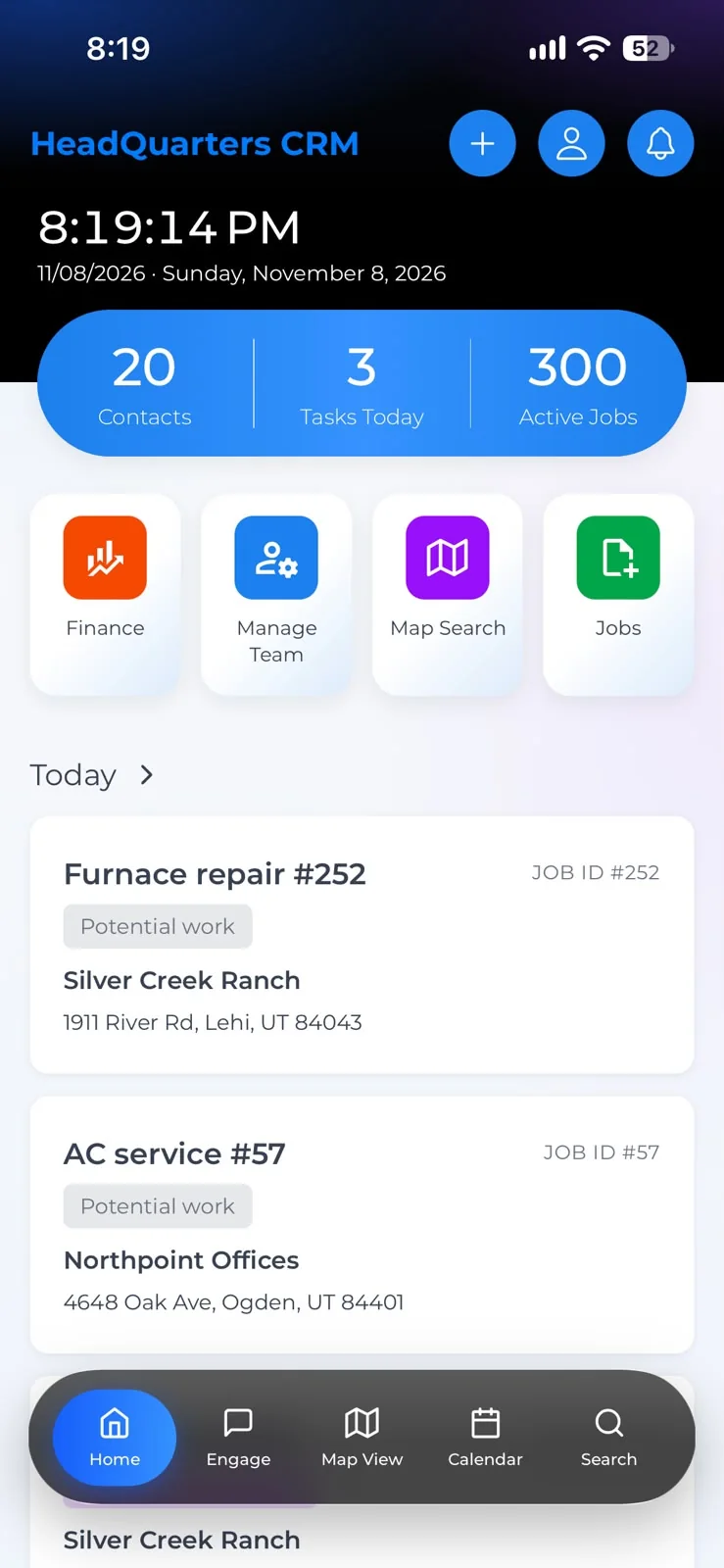
Most crews still run on group texts
And a spreadsheet, a glovebox full of receipts and somebody's camera roll. Keep scrolling and watch it come together.
- Group textWho's on Unit 212?Three replies, no answer, and the tenant calls again.
- SpreadsheetHours, typed up on MondayFrom memory, a week late, never quite right.
- GloveboxThe parts receiptSomewhere under the manuals. Maybe.
- Camera rollBefore and after photosOn a tech's phone, not on the job.
HeadQuarters puts all of it on the job, where everyone can see it.
Everything the crew needs, in their pocket
This is the app your techs and managers carry all day. Scroll through the parts they use most.
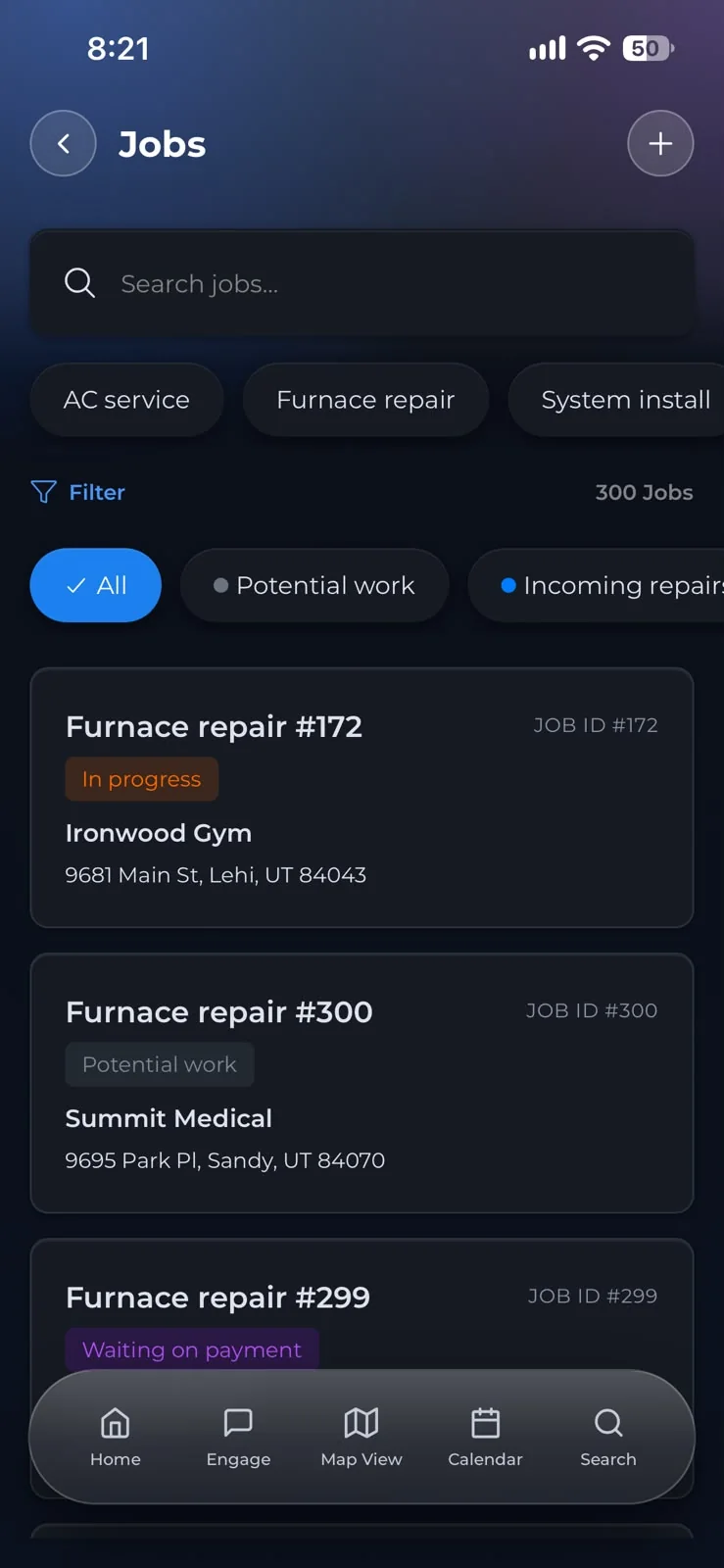
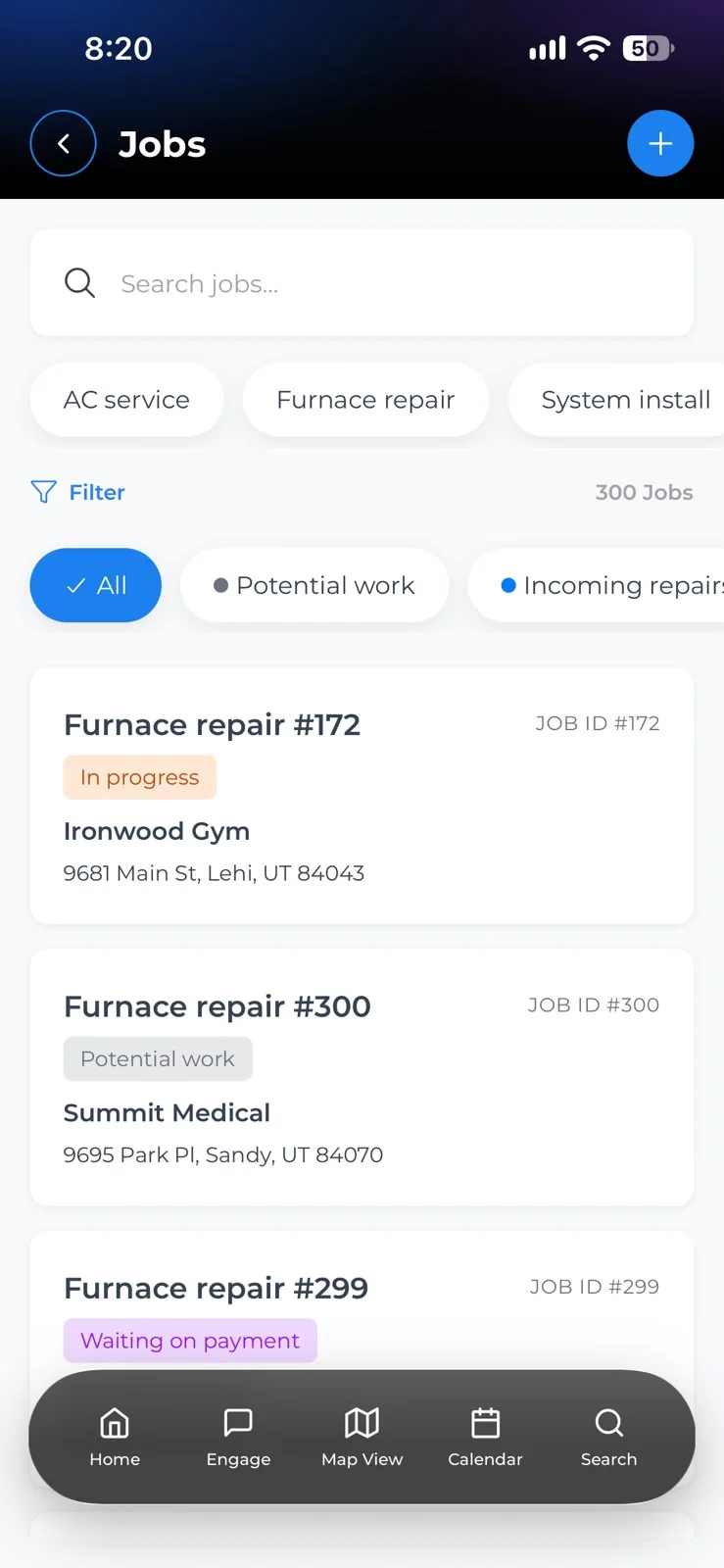
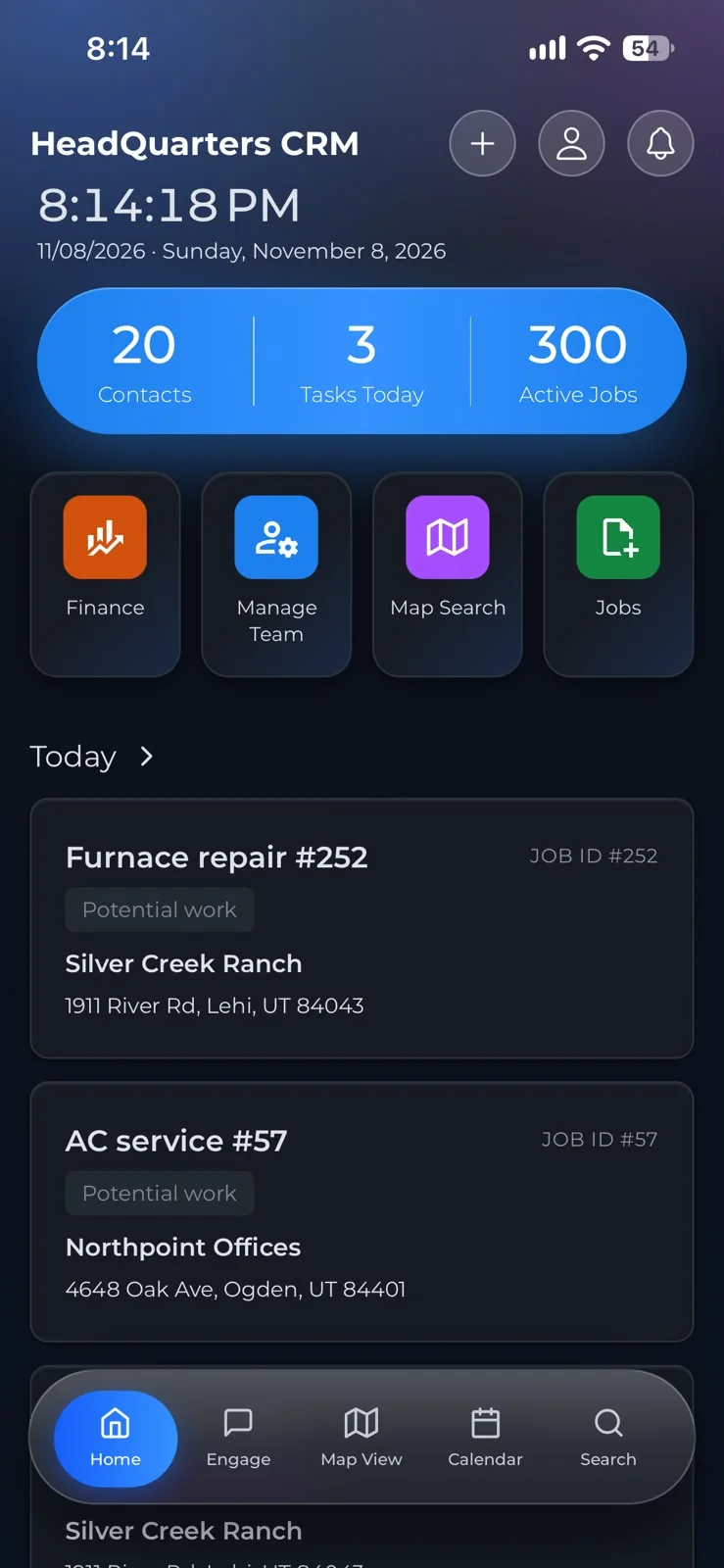
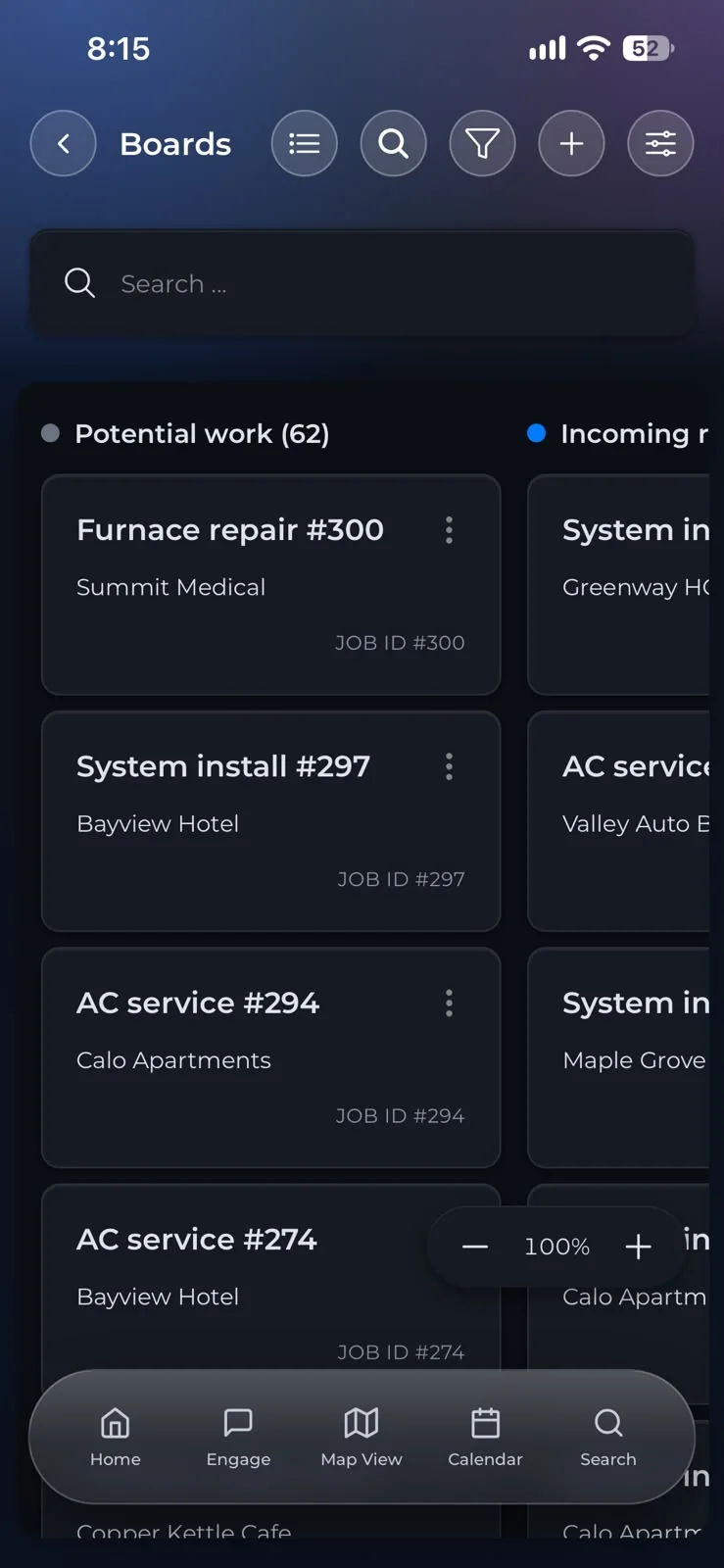
Every job, one list
Filter by service, stage or customer. Three hundred jobs, and the one you want is two taps away.
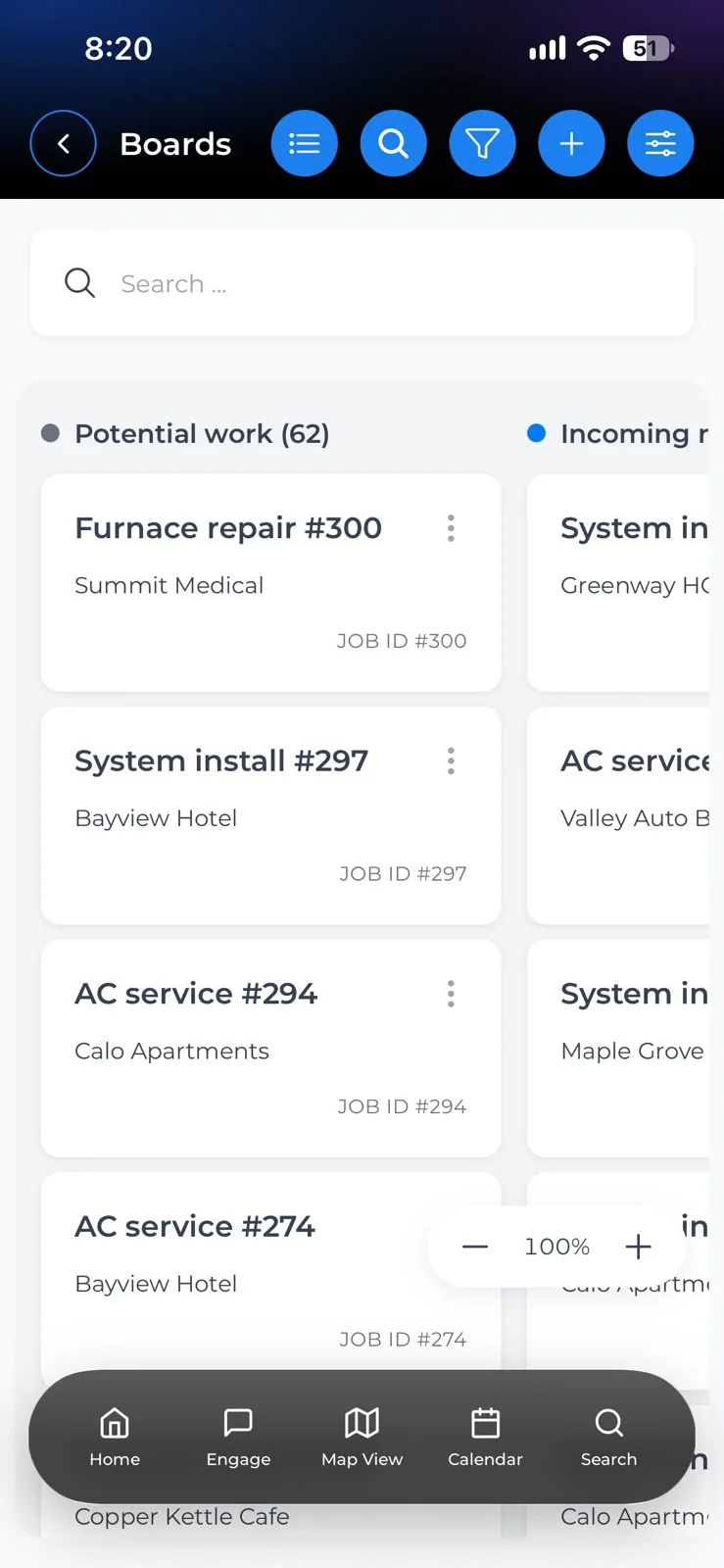
Boards that follow the work
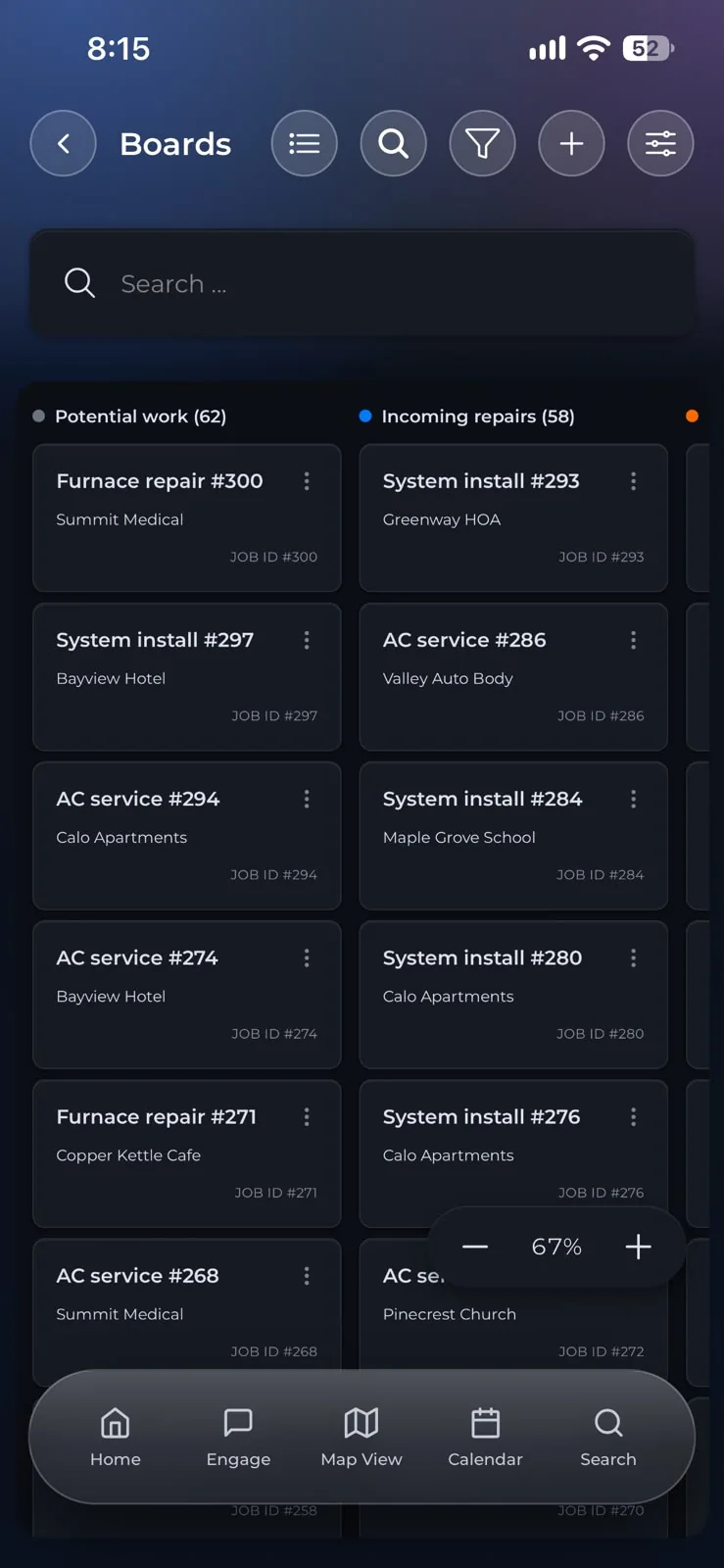
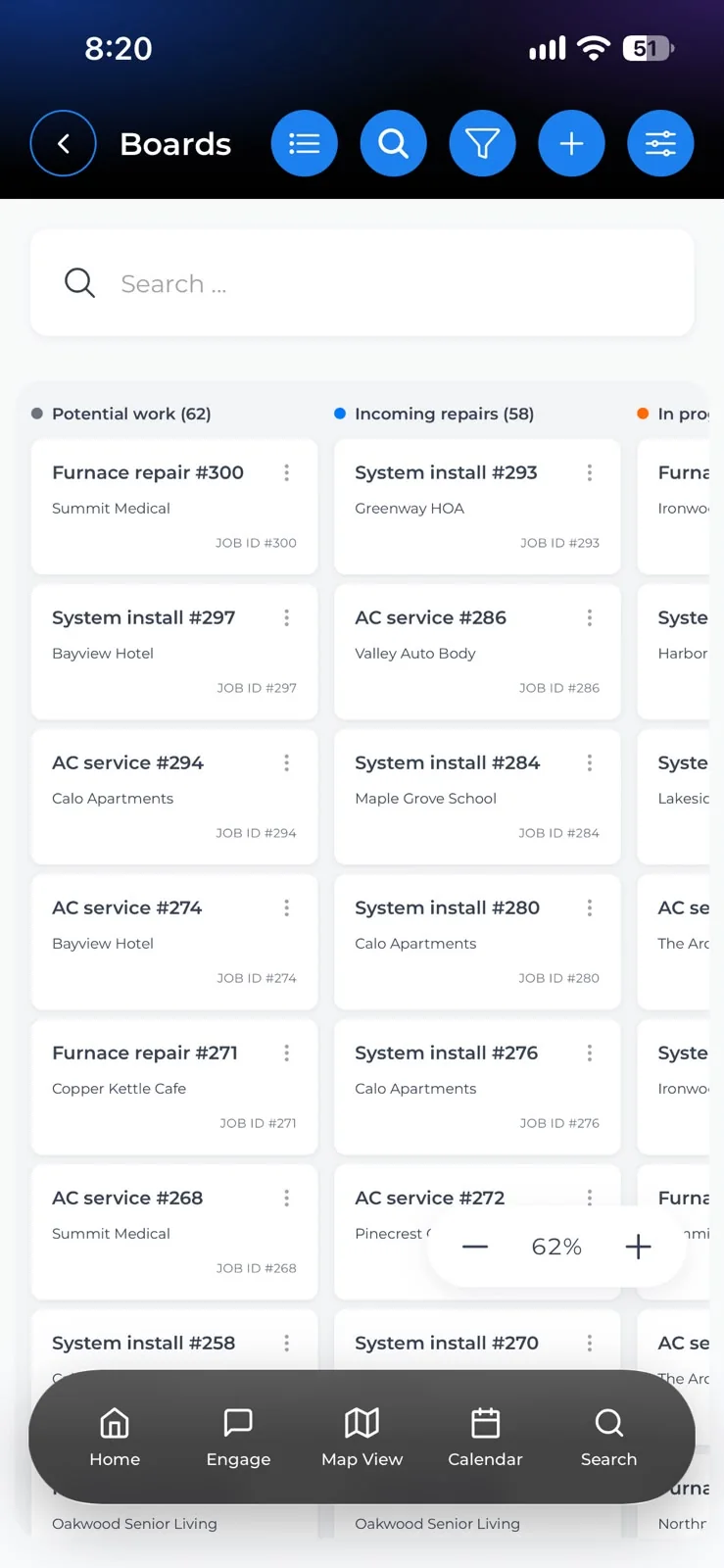
Potential work, incoming repairs, in progress, waiting on payment. Each stage is a column, so you see where every job stands at a glance.
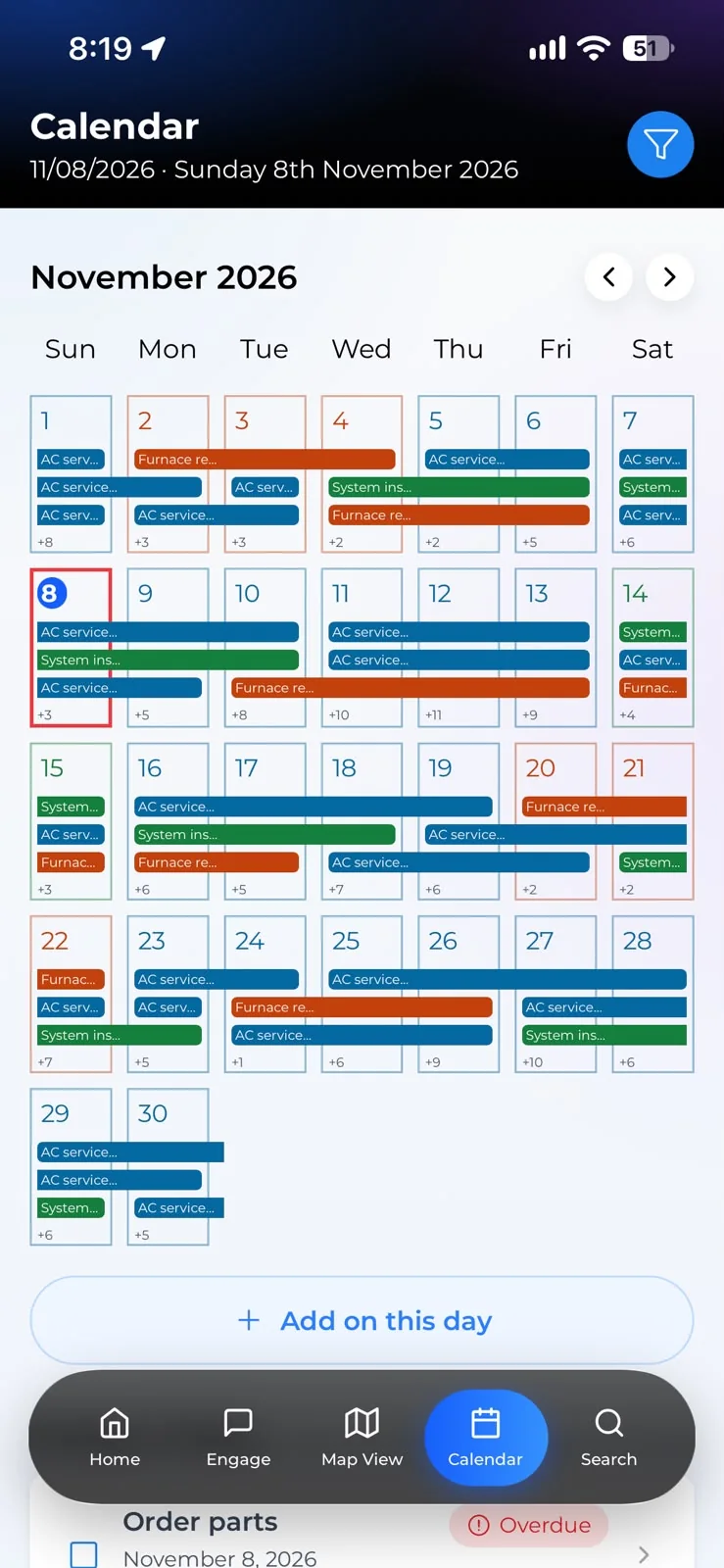
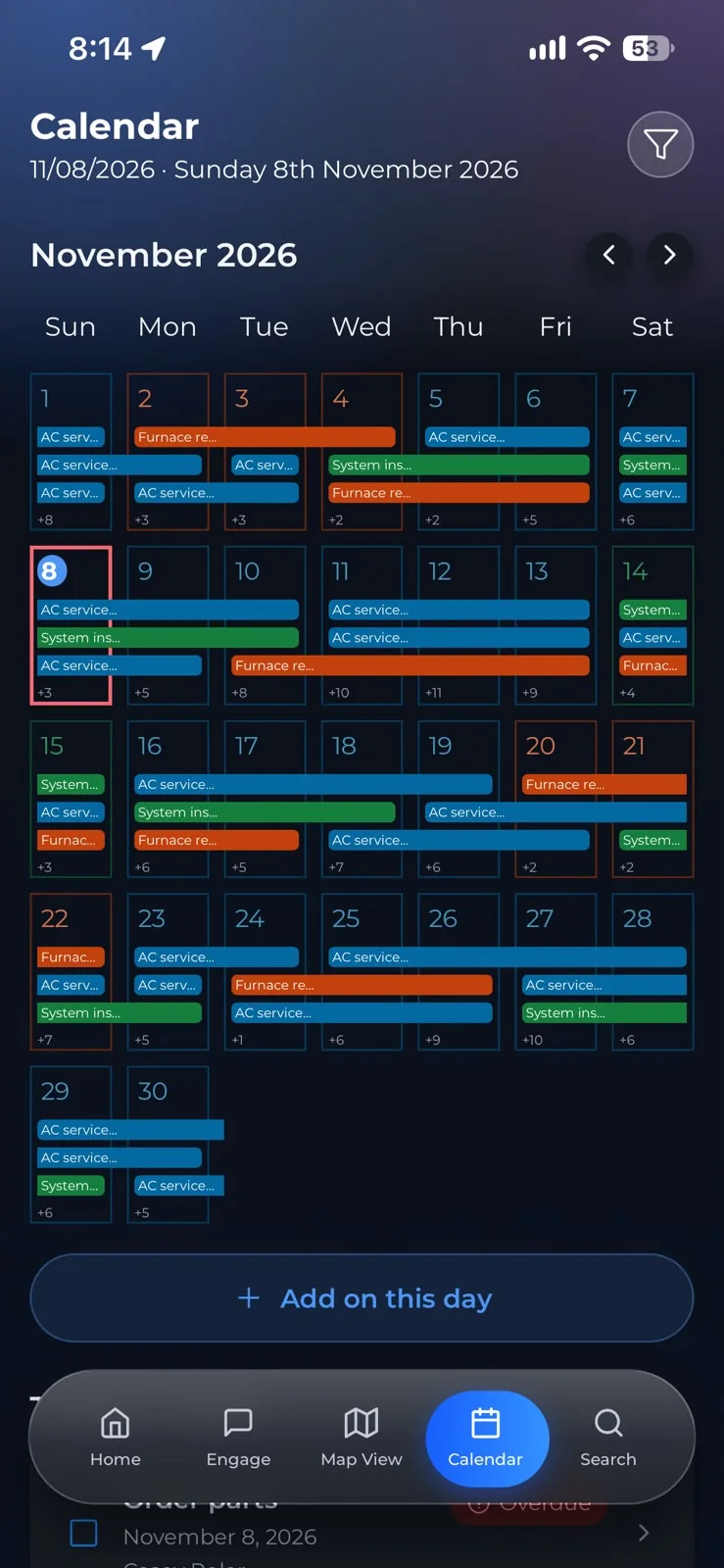
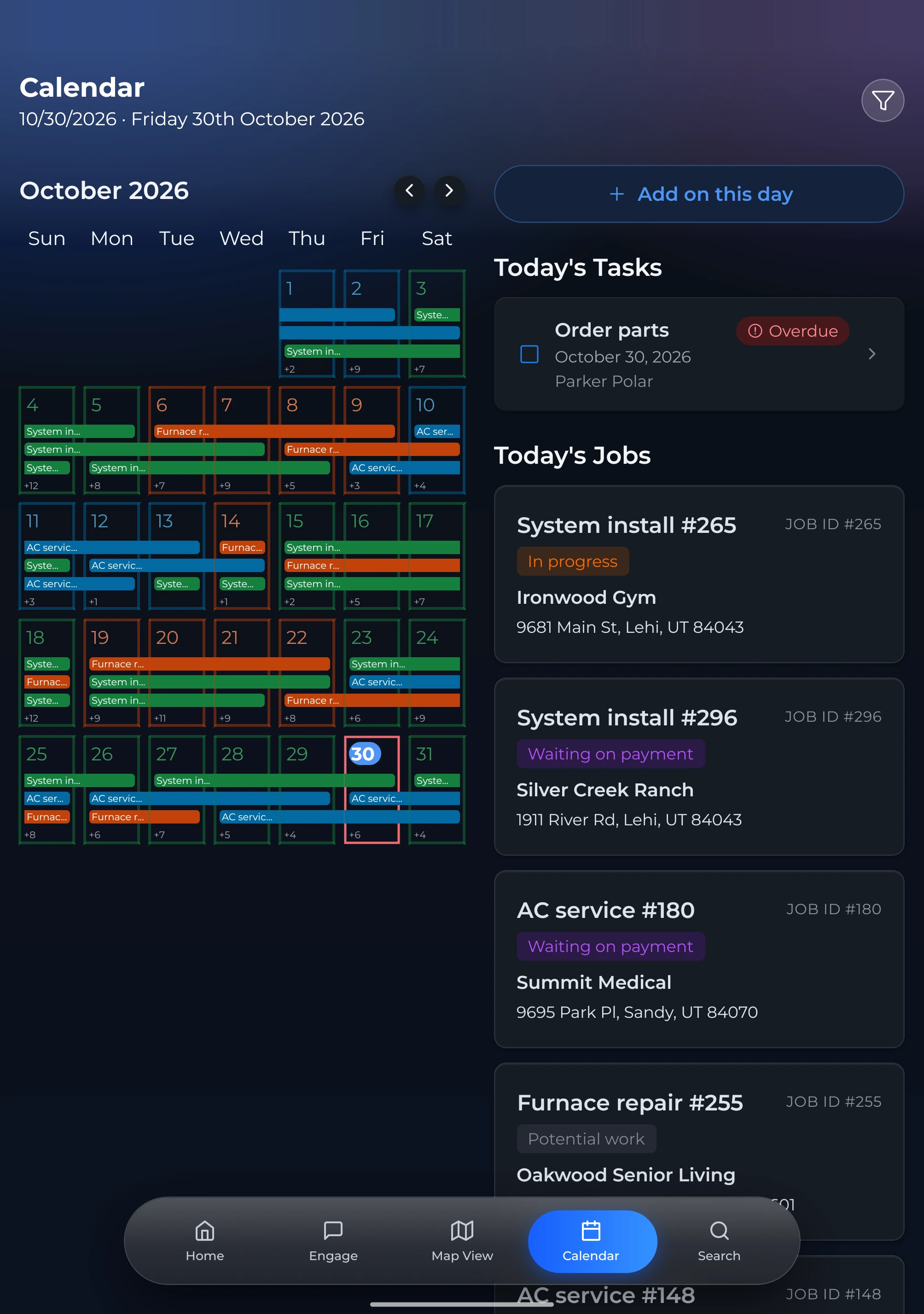
The month at a glance
Every job and task on the calendar, coloured by service. Tap a day to see who is where.
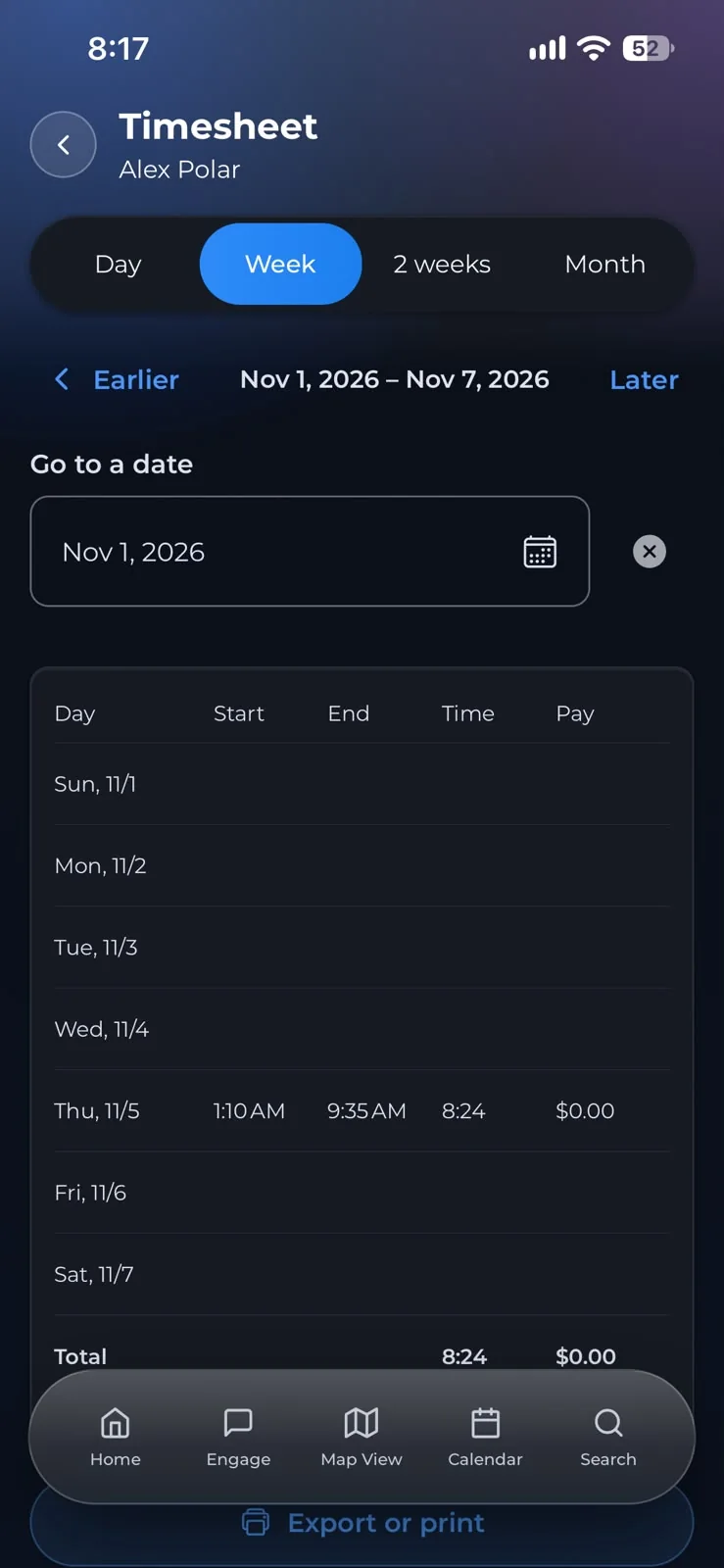
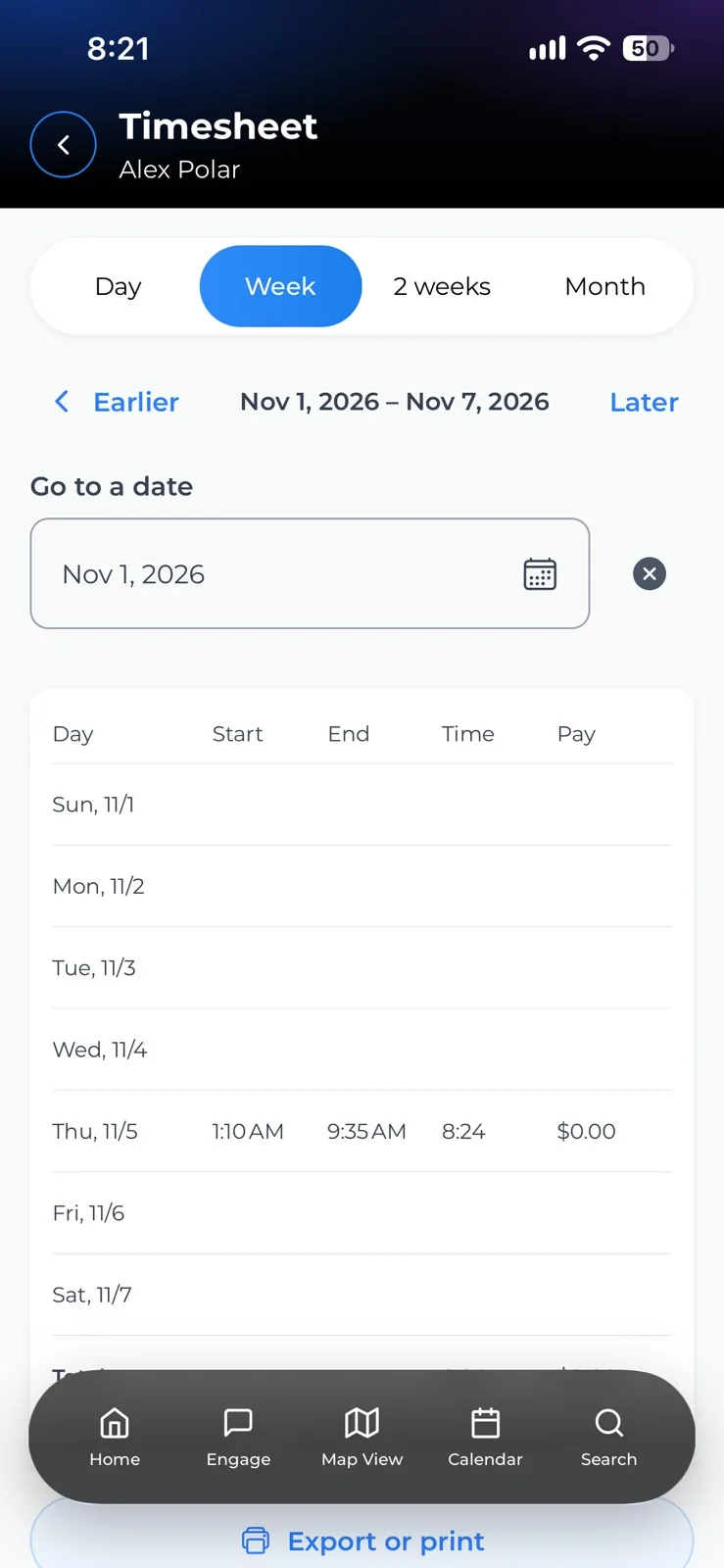
Hours, ready for payroll
Clock-ins become a timesheet by day, week, two weeks or month. Check it, then export or print it.
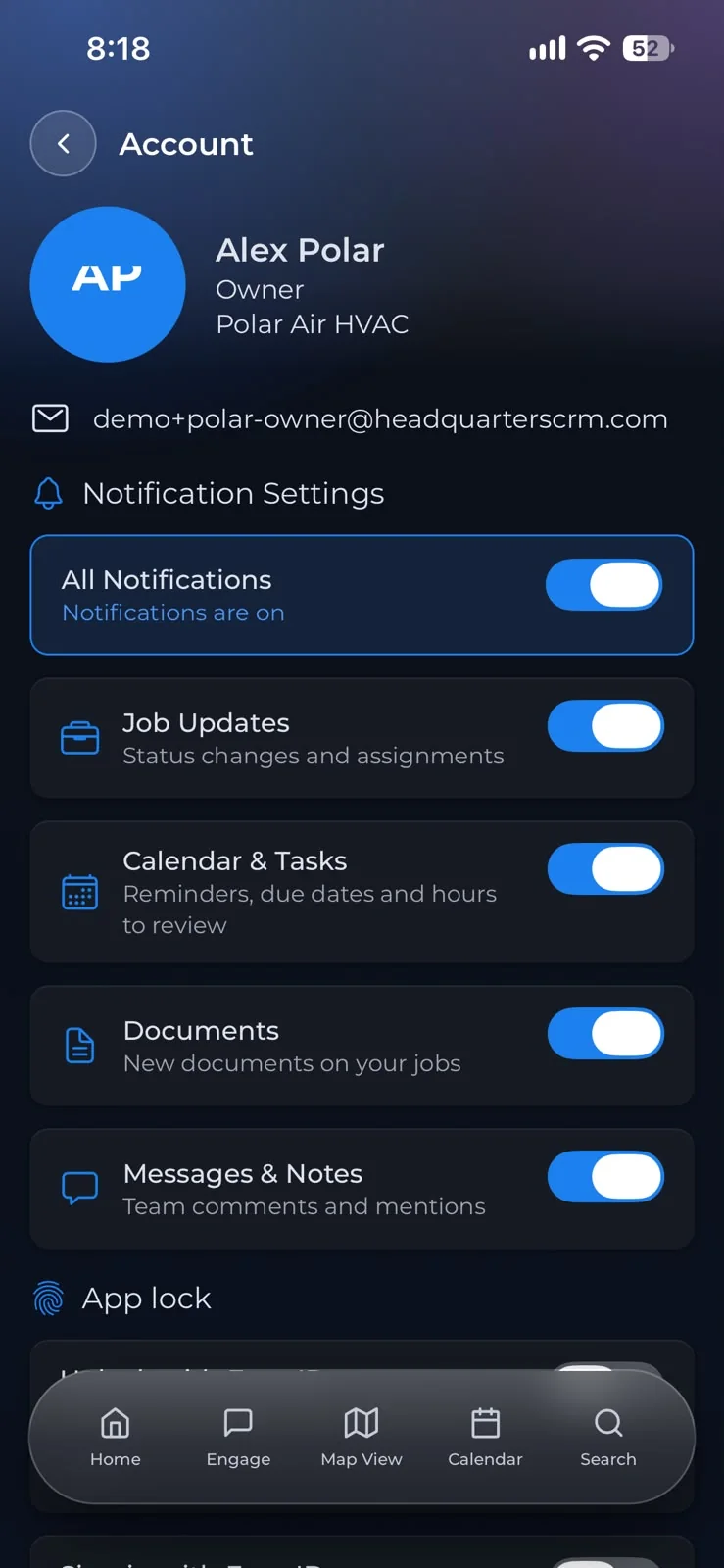
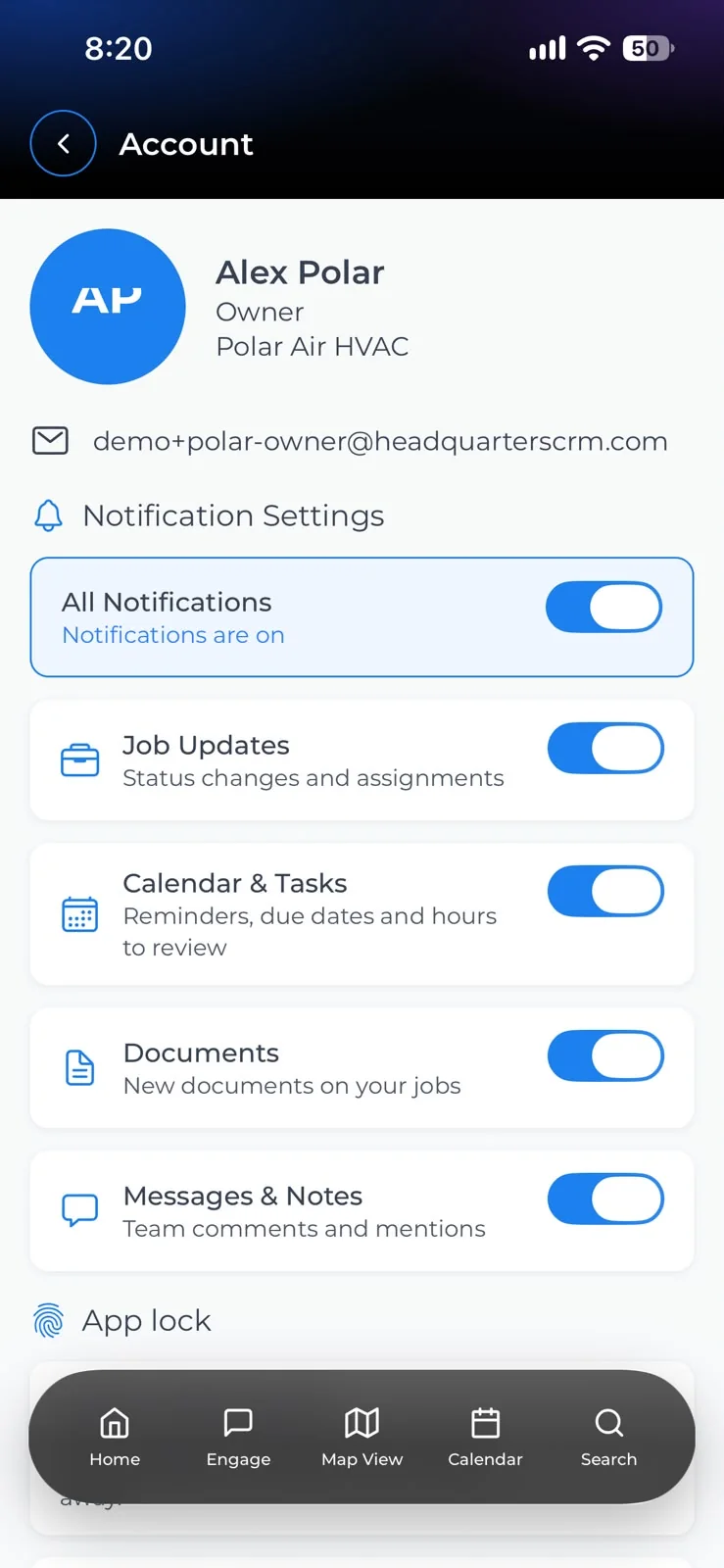
Alerts each person controls
Job updates, calendar reminders, new documents, messages. Everyone turns on what they need and nothing else, and app lock keeps it private.
The whole job, from the first call to the last photo
Most of this used to live in a group text, a spreadsheet and a glovebox full of receipts. Now it lives in one place, and everyone sees the same thing.
Work orders
A tenant calls it in, you raise the job, assign a tech and watch it move. Nothing sits in somebody's messages waiting to be forgotten.
Photos and receipts
Before and after shots attach to the property, not to a phone. Parts receipts go on the job as they are bought, so nothing is missing when the invoice is written.
Schedules and crews
Who is on shift, who is booked for tomorrow, which crew has which job. Move a job to another tech and their phone knows before they do.
Units and properties
Every property carries its own history: what broke, who fixed it, what it cost. Turn a unit and the punch list is already there.
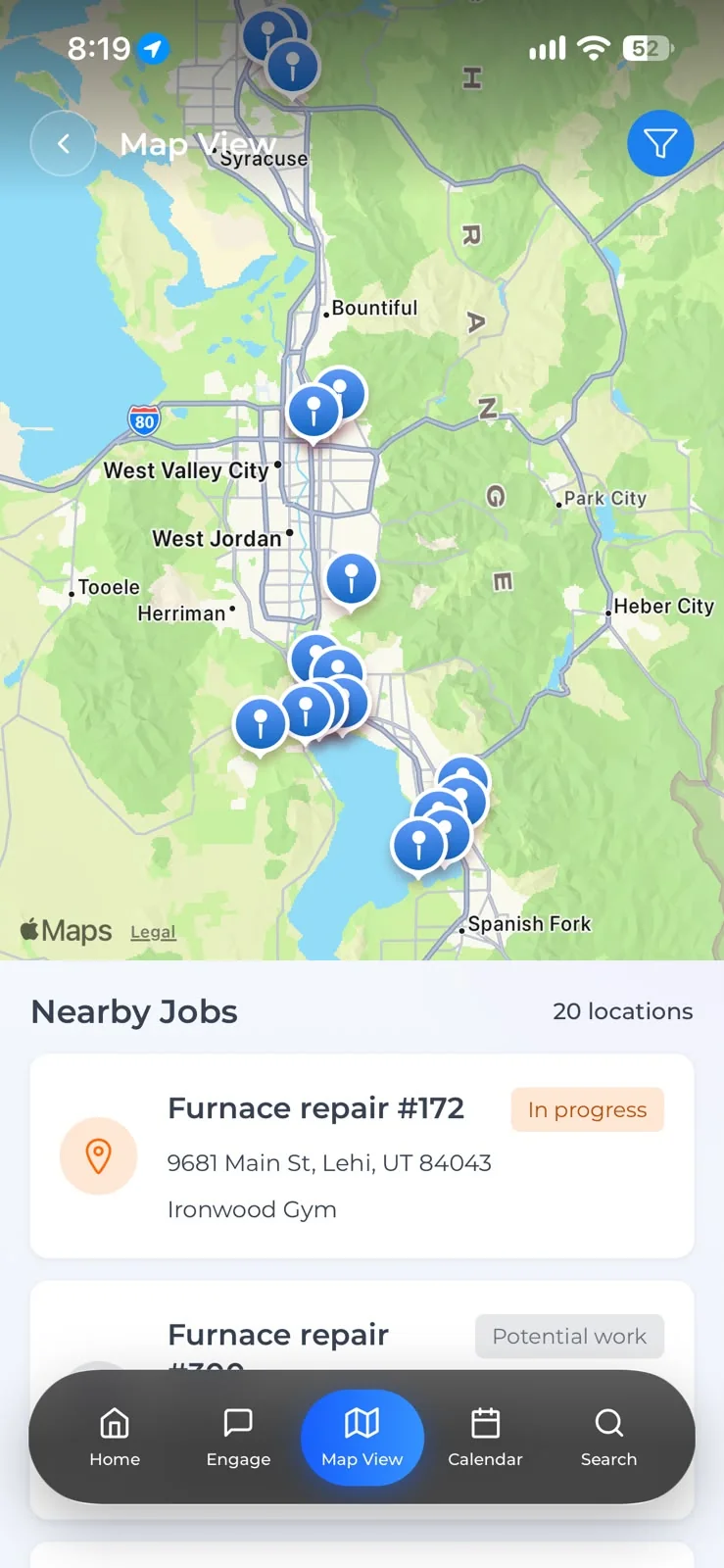
Map view
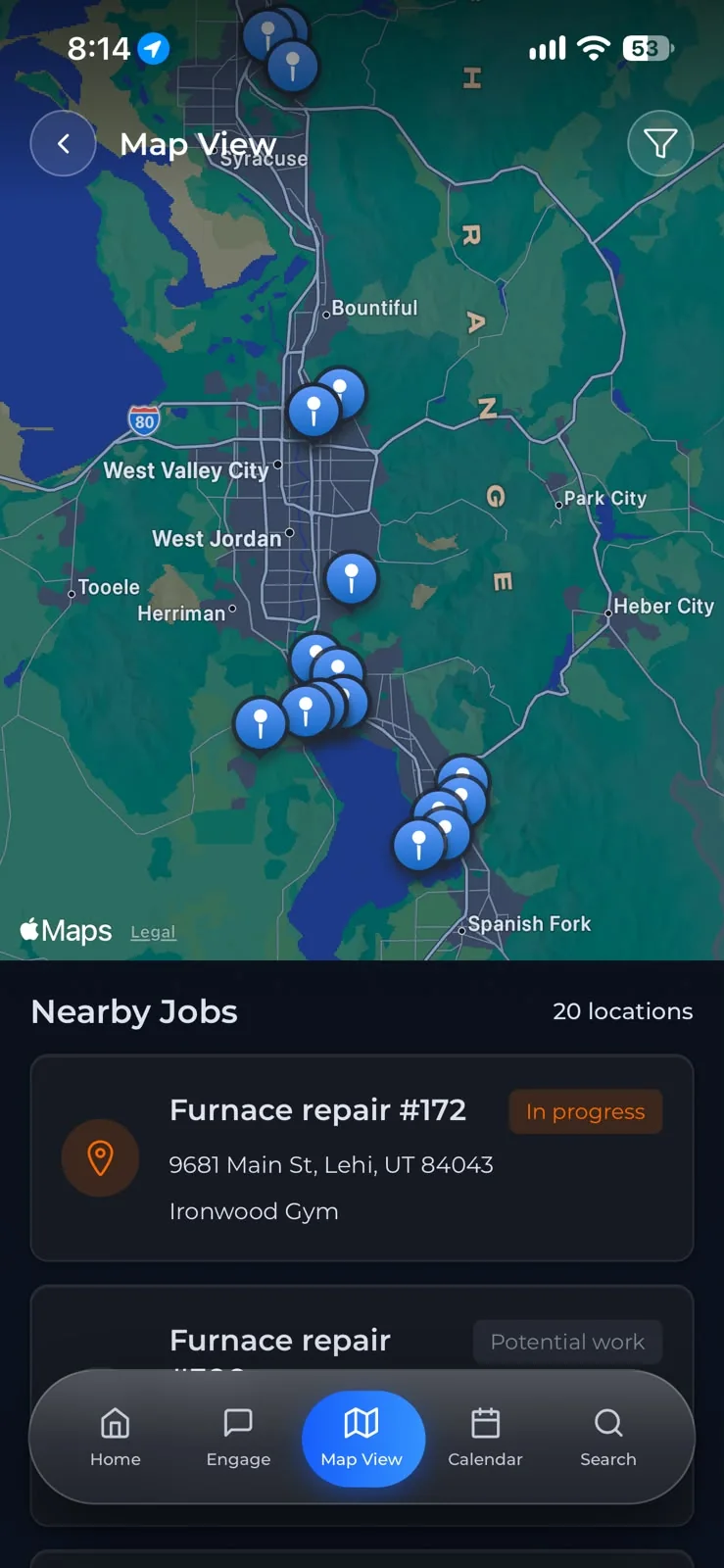
The day laid out across the city, every property with an open job pinned. Pick the next one from where you are standing.
Your own roles
Owners, managers and techs each see what they should. A tech sees their jobs, a manager sees the crew's work, the owner sees all of it.
Two people, one job
What a tech sees
- Their own jobs, and nothing else
- Photos and notes added on the spot
- Clock in, clock out, done
What an owner sees
- Every job on the board, by status
- Who is assigned where
- Hours by person, ready to review
It works in the basement of Building C
Maintenance happens where the signal does not reach. The app keeps the jobs, photos and notes your tech needs on the phone itself, and sends them up the moment there are bars again.
- Jobs and property history stay readable with no connection at all.
- Photos taken underground upload by themselves later. Nobody has to remember.
- You choose how much of the phone it is allowed to use.
Why it matters: A job closed from the van at 4pm is on the board that night, not re-typed from memory on Monday morning.
A job's photos are saved on the phone with no signal, then upload by themselves when the signal comes back.
Unfold it, and the calendar opens up
On iPhone Duo, iPad and foldables the app uses the extra room: the month on one side, the day's tasks and jobs on the other.
- Works without signalBasements and dead spots included. It syncs when the bars come back.
- Photos stay on the jobBefore, after, the receipt: on the job, not in someone's camera roll.
- Hours with clock-inTime is captured at clock-in and clock-out, and reviewed by whoever runs the crew.
- English and SpanishEvery screen, both languages, chosen per person.
A Tuesday, start to finish
Nothing here needs anybody to sit down at a computer and type up the day afterwards.
The app opens in the van
Today's jobs, in the order that wastes the least driving. The one with no hot water and two calls already is at the top.
Lead techA new request comes in while someone is under a sink
It lands on the board unassigned. The office puts it on the tech two buildings away, and her phone has it before she is back at the van.
The officeParts run, receipt photographed in the parking lot
It is on the job before the phone is back in a pocket, and on the property's history without anyone re-typing it.
TechA job closed from the basement, with no signal
Four photos and a note, saved on the phone. They upload themselves in the parking lot a few minutes later. Nobody had to remember to do anything.
TechYou look at the board once, and go home
What closed, what carried to tomorrow, whose hours need a look. Nothing to type up.
Owner
Every screen, built for the field
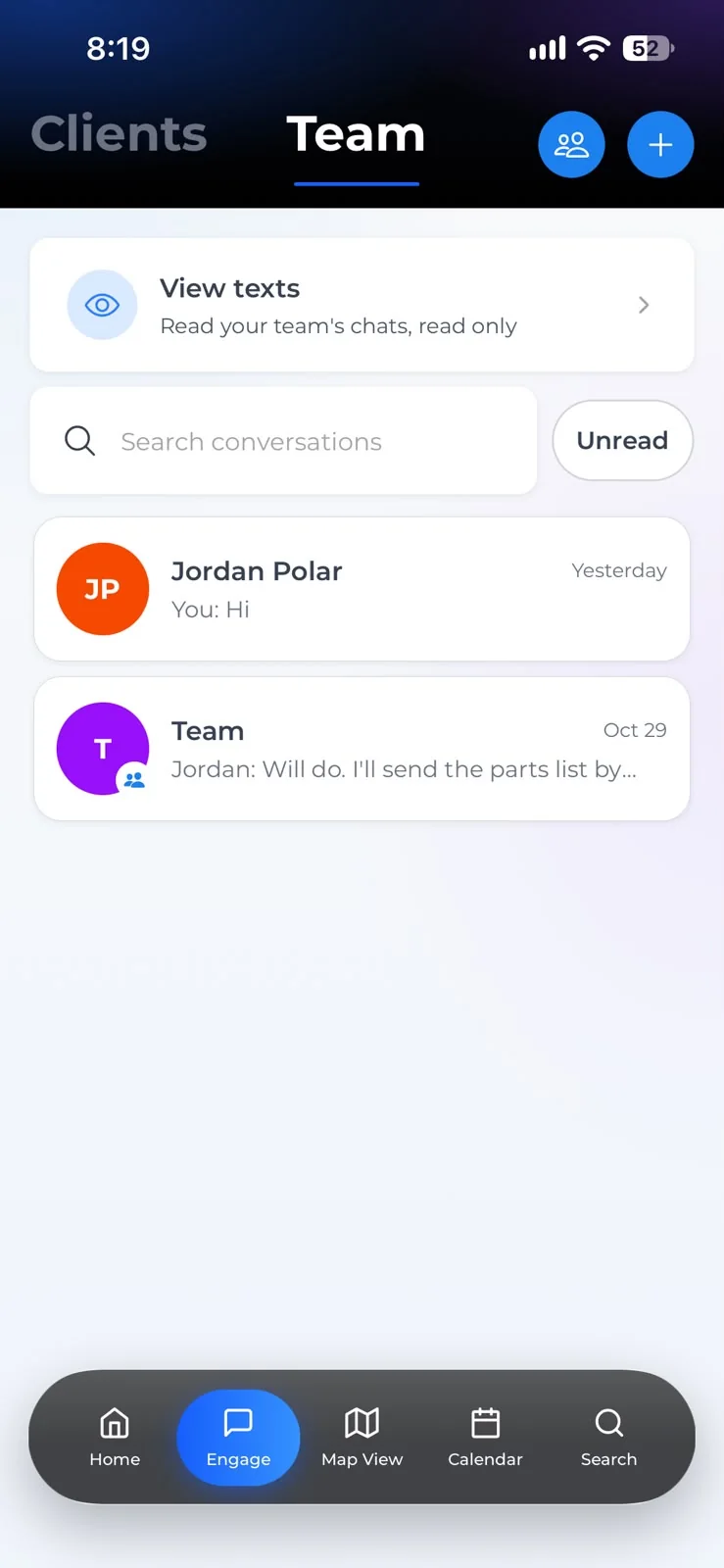
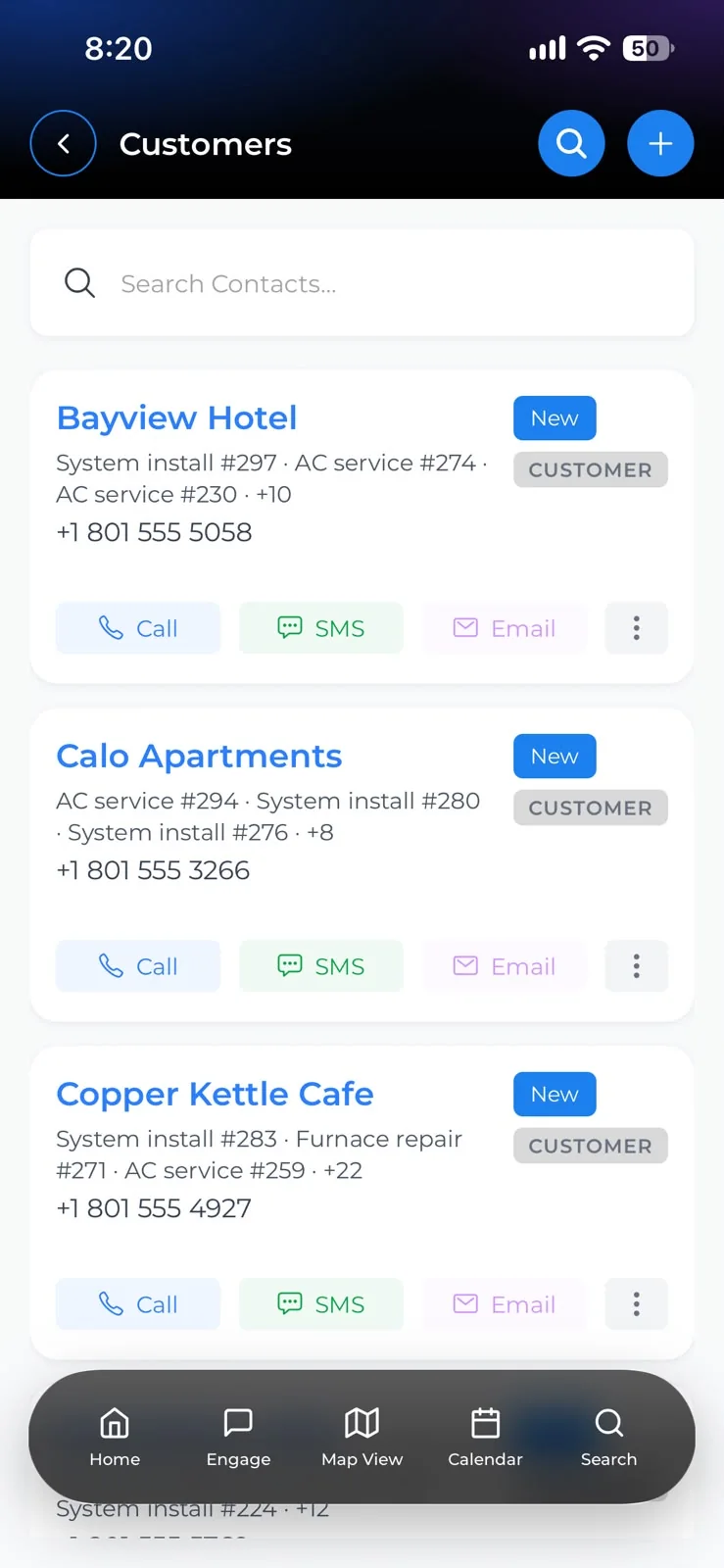
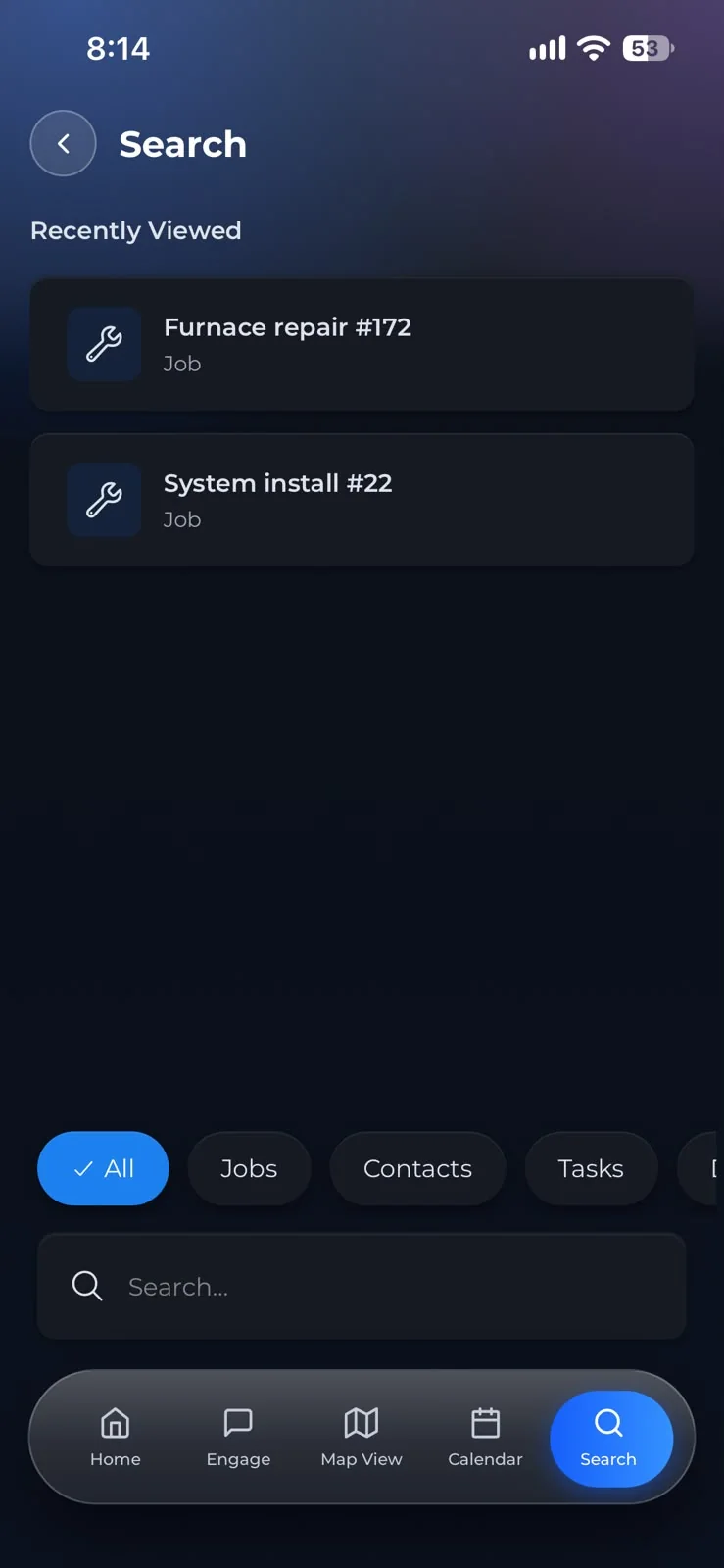
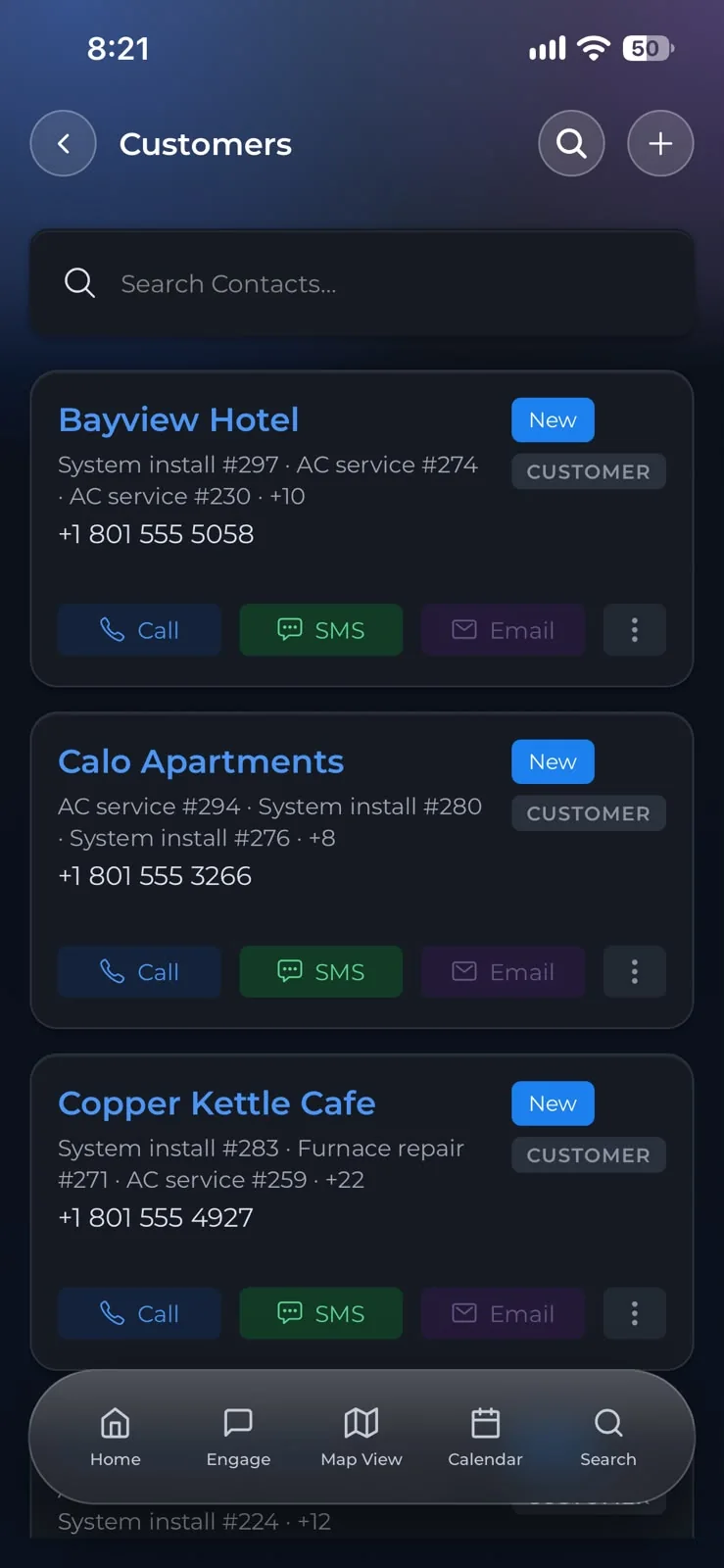
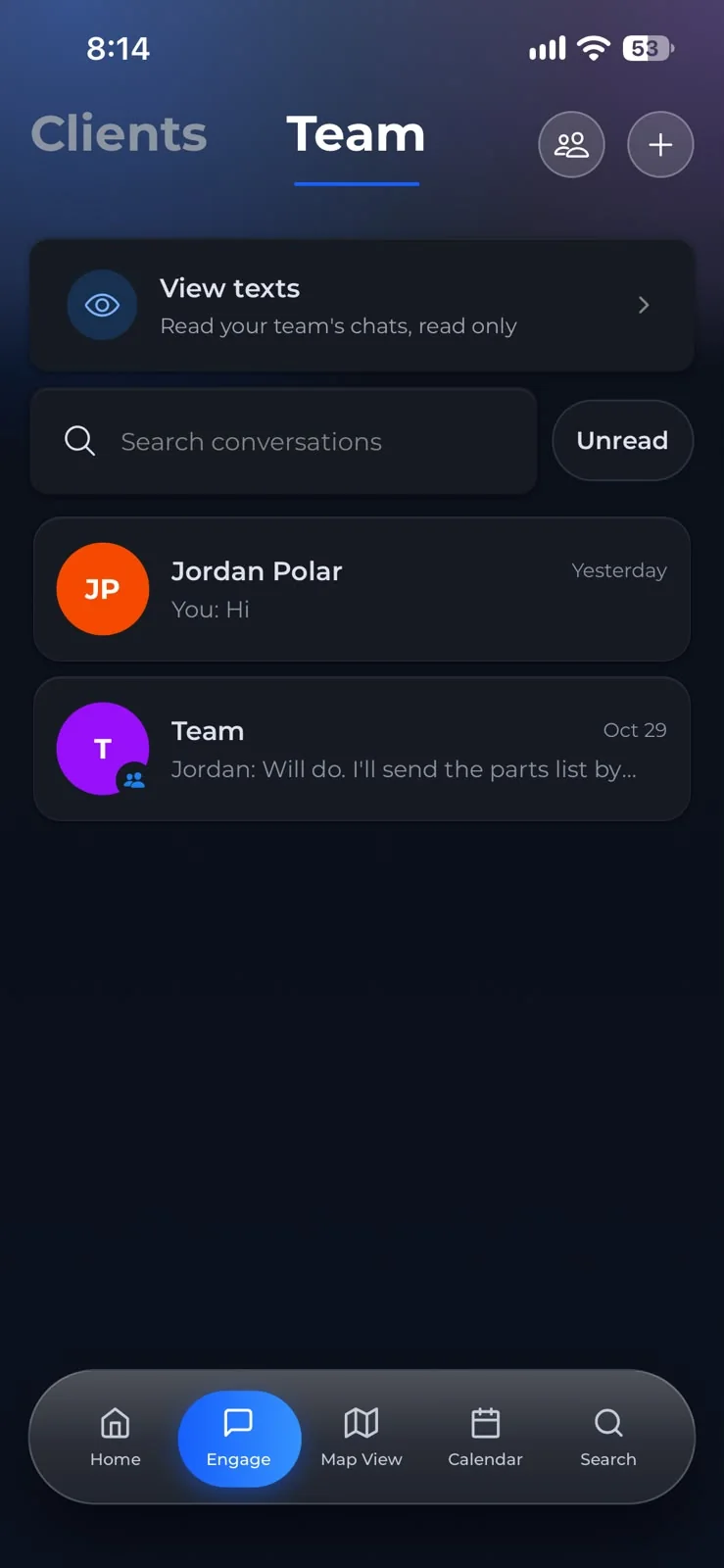
Customers, jobs, boards, maps, hours and chat in one app for iPhone and Android, in English and Spanish.
Start at $39 a month. Add people as the crew grows
Your main admin is in the base account. Each manager or field user adds a set monthly price, so you pay for the people actually using it.
Includes your main admin. No contract, month to month.
Managers and field users
- $12User 1
- $14User 2
- $16User 3
- $20User 4
- $20User 5+, each
The price per user climbs over the first four, then stays at the fourth's price however large the crew gets.
- Unlimited jobs, contacts and properties
- Photos, documents and receipts per job
- Crews, scheduling and clock-in hours
- English and Spanish, chosen per person
- Cancel from your billing page at any time
Have a discount code? It is entered at checkout.
Prices in US dollars, billed monthly by card.
- Base account
- $39
- Main admin
- Included
- Manager/field user 1
- $12
- Manager/field user 2
- $14
- Manager/field user 3
- $16
- Manager/field user 4
- $20
- Every month
Add or remove people whenever the crew changes; the bill follows.
Built on the job, not in a pitch deck
HeadQuarters CRM started as the in-house tool of a property-maintenance company running multi-trade crews. It was used on real jobs, by real crews, before it was offered to anyone else. What is here is what that work needed.
Questions we get asked
No. A tech sees their own jobs and nothing else: open one, add photos, mark it done. The buttons that matter are big enough for gloves.
The app keeps working. Photos, notes and status changes are saved on the phone and sent when it has a connection again.
You add contacts, properties and jobs directly in the app. There is no import tool today; if you have a large list, tell support what format it is in.
Owners see everything. Managers see the crew's work, never the owner's. Techs see the jobs they are assigned to. Documents and past history can be opened up per person by the owner.
Nothing, for 10 days: everything keeps working while you sort the card out. Then the account becomes read-only, then locked. Data is kept for five years and deleted after that. Pay again and it all comes back.
Start with one property. Bring the rest across next week.
Set it up this afternoon, run a full week on it, then decide.
From $39 a month
- No contract, month to month
- Your main admin included
- iPhone and Android, English and Spanish
